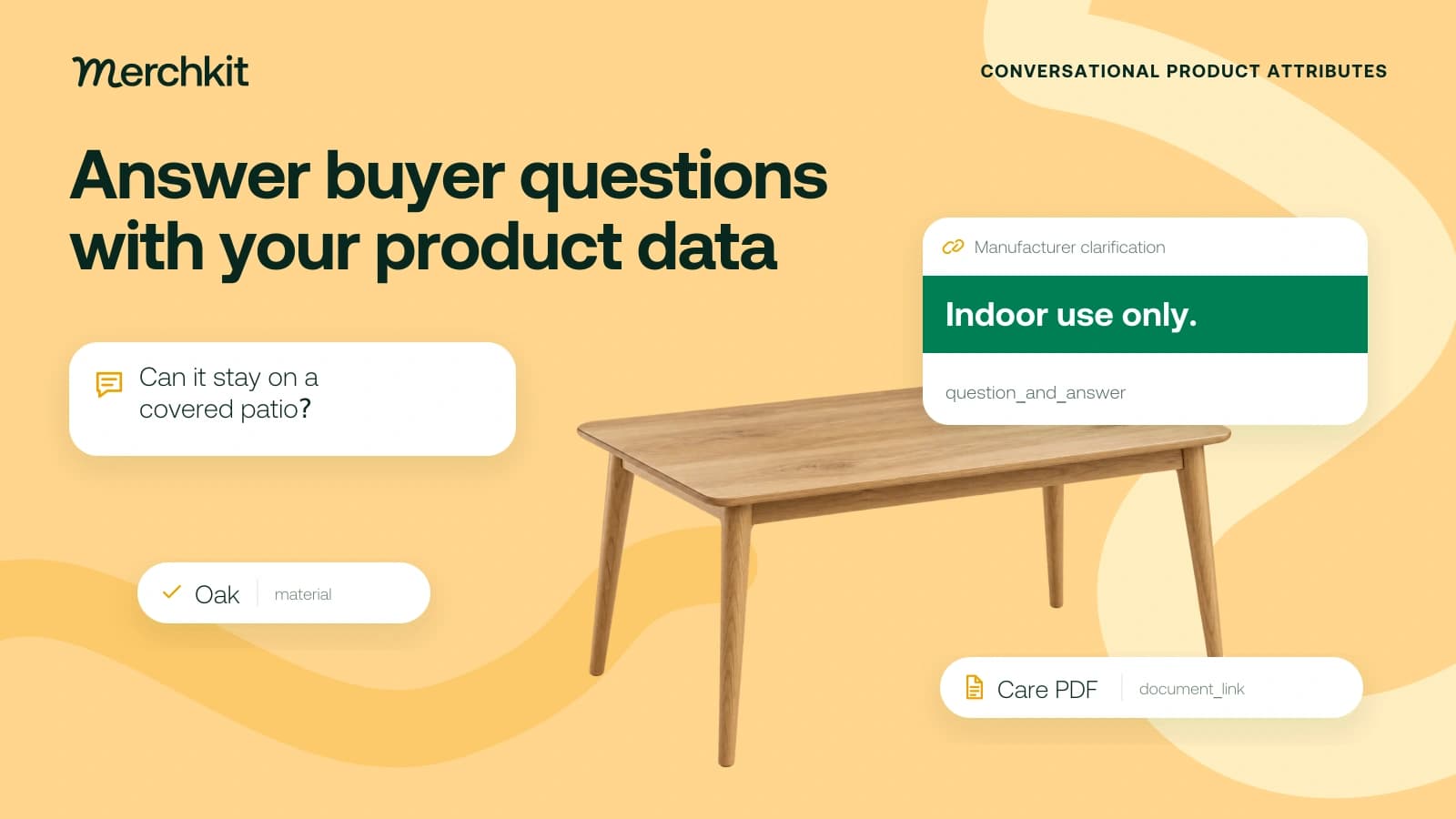
A shopper asks whether a dining table can stay on a covered patio. The catalog says oak, gives its dimensions and describes the finish, but none of that confirms outdoor suitability. A confident FAQ could lead the buyer to choose it for a use the manufacturer never supported. The answer needs evidence for that table, not a plausible guess from its material.
Key takeaways
- Put a fact in the field that already fits it. A table's width belongs in the width field; repeating it as an FAQ adds no new answer.
- Use evidence for the exact product. A care PDF can support cleaning instructions but may not establish outdoor use or doorway clearance.
- Add answers, PDFs and related products in Google's supported formats, then check a small assortment before expanding the feed.
Conversational product attributes are extra pieces of information you can send Google: a buyer's question and answer, a PDF link, or a relationship to another product. They help you supply details that a basic title and description may not cover.
For the catalog team, the first job is to decide what the evidence supports and where that information belongs. The feed formatting comes after that decision.
Choose the right field for each fact
Google's overview describes these optional attributes alongside its core product specification and their use in experiences such as AI Mode in Search. This article focuses on question_and_answer, document_link and related_product. It is a Google-specific workflow, not a specification for ChatGPT or other shopping agents.
If the buyer asks "How wide is the table?", put the confirmed measurement in Google's product-width field. Use material for its main material, and product_detail for other confirmed specifications when no dedicated field fits. Google's product detail guidance explains the distinction.
Keeping the fact in its intended field also gives your team one clear value to maintain, rather than separate dimension statements scattered through FAQs.
Use Q&A for an additional supported answer. Repeating a care PDF's cleaning instructions does not resolve the buyer's separate question about outdoor use. Google's Question and answer guidance says to avoid duplicating other submitted fields or information in submitted PDFs; it extracts FAQ information from those documents.
Work from the buyer question to the evidence
Consider the fictional Alder 120 dining table, product ID ALDER120. Every fact, document and identifier in this example is invented to illustrate the workflow.
Assume the team has a dimension drawing, materials specification, care PDF, written manufacturer clarification and accessory fit list. The table shows how the buyer's question leads to a source and then a Google field. The documents support different answers; one useful PDF is not proof of every product claim.
| Buyer question | Evidence and canonical record | Google destination |
|---|---|---|
| How much floor space does it take? | Dimension drawing: assembled width 120 cm, depth 80 cm, height 75 cm. Store each axis separately with its unit. | product_width: 120 cm; product_length: 80 cm; product_height: 75 cm. Do not create a duplicate dimensions FAQ. |
| What is it made of? | Materials specification: oak is the main material. Canonical material value: Oak. | material: Oak. Keep the material value separate from color and finish descriptions. |
| How should I clean it? | Care PDF: wipe with a damp cloth and dry; avoid abrasive cleaners. Preserve the document revision and applicable product ID. | document_link: the actual public care PDF URL. Do not repeat its instructions in Q&A. |
| Can I keep it on a covered patio? | Manufacturer clarification: indoor use only. This restriction is absent from the submitted care PDF and existing feed text. | question_and_answer: question plus the approved answer, “No. This table is intended for indoor use only.” |
| Which floor protector fits? | Accessory fit list: the optional felt pad kit with product ID FELT8 fits this table. The kit is in the merchant’s inventory. | related_product: accessory:id:FELT8. Do not label an optional accessory as a required part. |
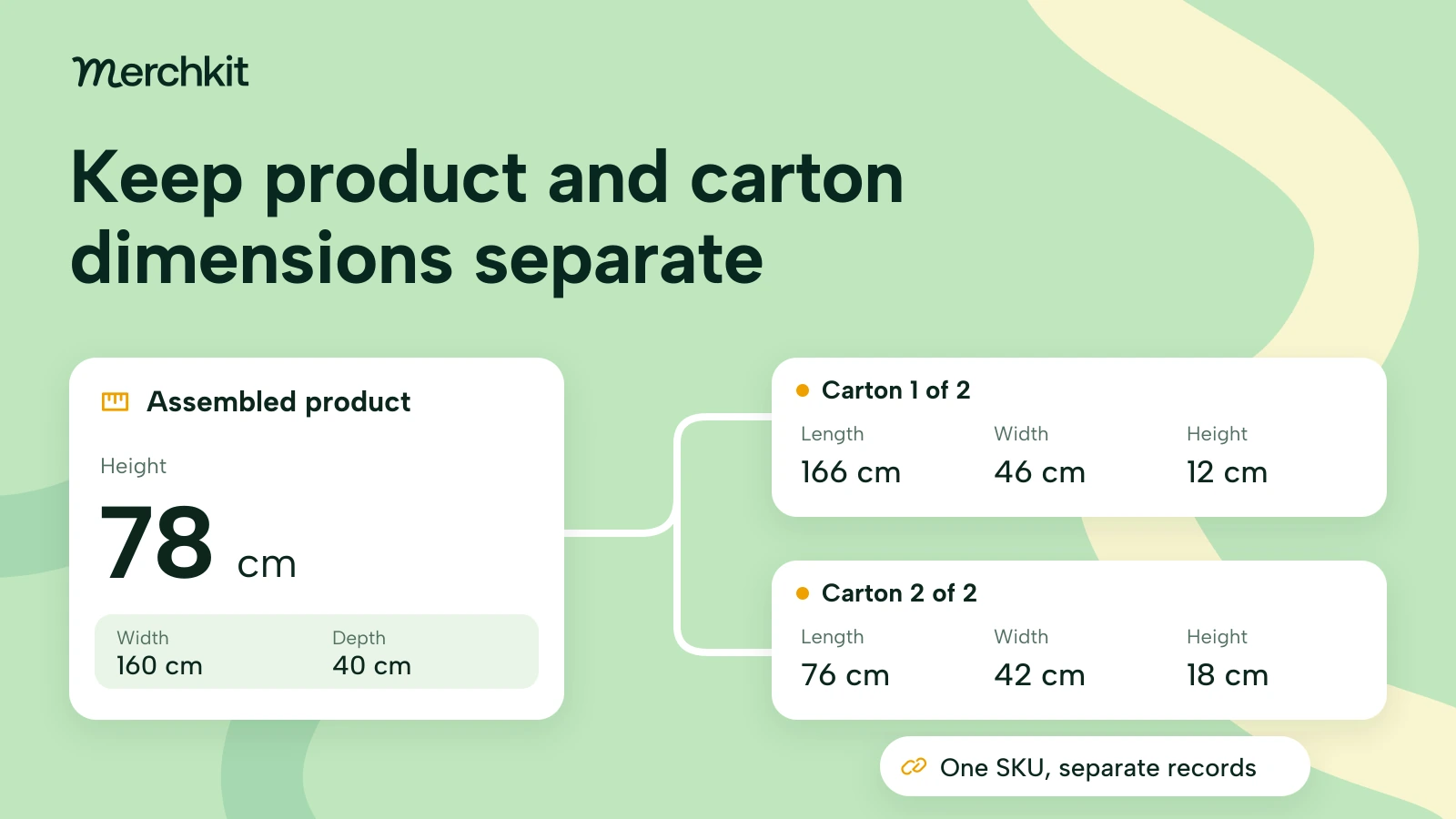
The field names can be confusing. In this example, the table's 80 cm depth goes into product_length. Google maps Schema.org Product.depth to that field, as the Product measurement specification explains. Change the field name, not the measurement. Keep one unit across width, depth and height, and keep the shipping package's dimensions separate.
Google's material specification allows a main material and up to two secondary materials separated by slashes. Use that structure when needed instead of mixing material, color and finish into one value that is difficult to interpret.
The drawings still cannot answer "Will it fit through my doorway?" A buyer planning delivery may need the carton dimensions, disassembly options and turning space along the route. The assembled table dimensions alone do not settle that question.
Record what is missing and ask the supplier for it. Keep "unverified" as an internal review status, not a product answer. Inventing a minimum doorway width would give the buyer a concrete instruction without the evidence to support it.
Use the right format when preparing the Google feed
Once you know which information to send, use Google's field formats so the system can identify each question, document or relationship. A generic faq column containing ordinary prose does not implement these attributes.
All three are optional and documented for use in all countries. This field support does not mean every conversational experience is available everywhere.
Question and answer
question_and_answer needs a question and its answer as a pair. That keeps "Can I keep it on a covered patio?" attached to the indoor-use answer, rather than leaving the feed processor to infer which text belongs together.
The limits are 30 pairs per product, 1,000 characters per question or answer, and 10,000 characters total. Keep prices, dates and keyword lists in their appropriate fields, not in Q&A.
For a text feed, the patio example is:
"Can I keep it on a covered patio?":"No. This table is intended for indoor use only."
Follow the format-specific escaping rules for punctuation such as commas, colons and quotation marks. Those characters can also separate parts of the feed, so text that reads correctly to a person may still need formatting for Google. Google recommends TSV over CSV for these grouped values.
Document links
document_link accepts up to five PDF URLs, each at most 2,000 characters, with a maximum file size of 50 MB per PDF.
Use a stable, non-expiring public URL beginning with HTTP or HTTPS, and confirm that you have marketing-sharing rights. Googlebot must be able to open the PDF without a login or robots.txt restriction. A supplier portal link your team can open may still be inaccessible to Google. See the Document link specification.
Related products
related_product tells Google how another item relates to the product. For the fictional table, the felt-pad kit is an optional accessory. Calling it a required part would incorrectly suggest the buyer needs it to complete the product.
The field requires relationship_type, identifier_type and identifier, with up to 30 relationships. Supported types are part_of_set, required_part, often_bought_with, substitute, different_brand and accessory.
Use the actual product ID or GTIN for each related item and give it a separate group. That points to the specific kit in inventory rather than a vague accessory description. A claim that items are "often bought with" each other also needs evidence of that relationship; a fit list only supports fit. See the Related product specification.
Test a small assortment before expanding
Add these details to products Google already knows about. Google recommends a supplemental data source, an additional source matched to existing products, and also supports primary sources and the Merchant API. Supplemental sources add information; they do not create new product listings.
Enable Advanced data source management if needed. Match the product IDs, feed label and language to the primary source so the additional details attach to the intended products. See Data source setup.
For teams sending data through an API
An API implementation sends structured objects rather than the text-feed example above. Use questionsAndAnswers[], documentLinks[] and relatedProducts[]. Related-product objects use relationshipType, idType and id rather than text-feed subattribute names.
Give the implementation team the Merchant API ProductAttributes reference. A colon-separated value copied from a feed file is not a substitute for the API object.
Check what Google processed for a small assortment before sending the rest. Look for the errors that would change a buyer's understanding:
Does each answer describe the exact variant, rather than another size or material?
Can Google open each PDF, and does each related ID point to the intended item?
Can your team find the source version, reviewer and last-check date if an answer changes?
If a care instruction or product fact changes, update the affected exports so old answers do not linger in the feed. Track unresolved questions and corrections separately from traffic or sales. Feed acceptance does not demonstrate that Google recommended the product or that it generated revenue.
Use our Google Merchant Center required fields guide for the core feed checklist, and our product catalog guide for AI search and agentic commerce for the broader strategy.
How this gets done in Merchkit
Merchkit helps prepare product-specific answers from catalog facts and supporting sources, so your team does not research and prompt for every response separately. The useful starting point is the buyer's unanswered question and the evidence needed to answer it.
Keep the answer's evidence with the product. Bring dimensions, materials and supporting documents into the product's working context. The same facts can support both product-detail fields and additional answers, without treating one source as proof of everything.
Set the question and its boundaries. Configure a custom content attribute, a field for the content you want to prepare, with the buyer question and relevant product inputs. Tell it to use only supported facts and avoid repeating submitted fields or PDFs.
Prepare answers across the assortment. Apply those instructions to the selected products. Merchkit creates product-specific content in the catalog table, reducing separate prompting and copy-paste work for each item.
Check the answers before feed mapping. Compare each response with its evidence and leave unsupported answers out. Export the reviewed content, then apply Google's field, document and relationship rules in your feed setup. Preparing answers in Merchkit does not replace that final Google-format check.
Book a Merchkit demo with a few product records and unanswered buyer questions to see how to build a repeatable answer-preparation workflow.