SKU onboarding software
Get new supplier products ready to sell.
For merchandising and ecommerce operations teams
Bring supplier records into your catalog, fill missing details, and prepare content for your sales channels. Merchkit connects that work so your team can move from an incoming file to a reviewed listing.
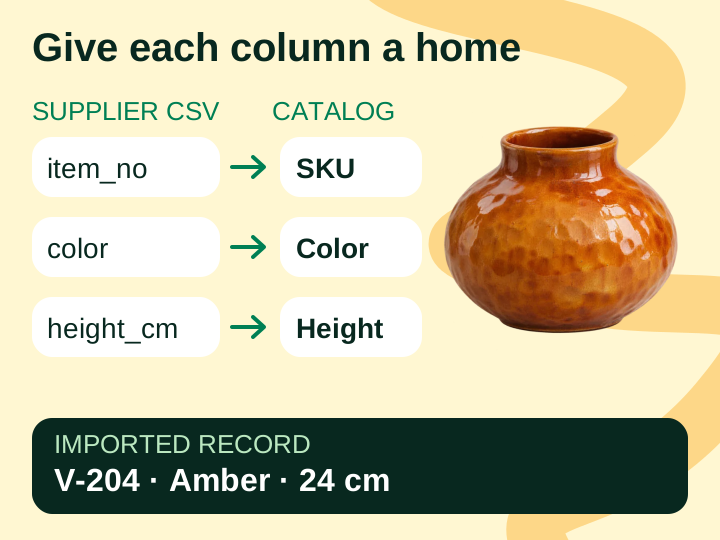
A supplier file arrives. The launch work is just beginning.
Product & Supply Chain
The information arrives in pieces.
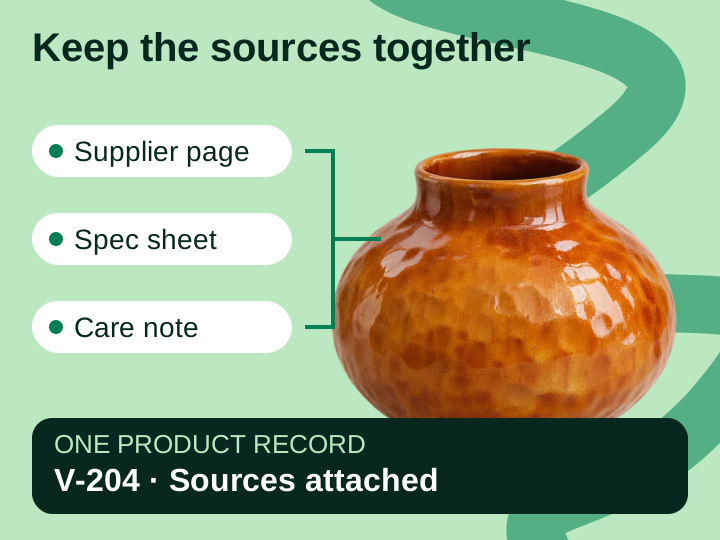
The price list has the SKU. A product page has the dimensions. A separate document explains the materials and usage instructions. Someone has to bring them together.
Marketing & Ecommerce
The launch queue becomes a cleanup queue.
Your team needs descriptions, images, and channel fields, but first it has to resolve mismatched identifiers and missing specifications.
For the business
Ready-to-sell products are hard to spot.
When progress lives across files and emails, the team spends time reconstructing what is finished and what still needs a supplier answer.
What you can do with Merchkit
Import, enrich, and prepare the catalog in one place.
Merchkit gives your team tools for the work between receiving supplier data and submitting a listing.
Generate descriptions and specifications for selected products using reusable instructions.
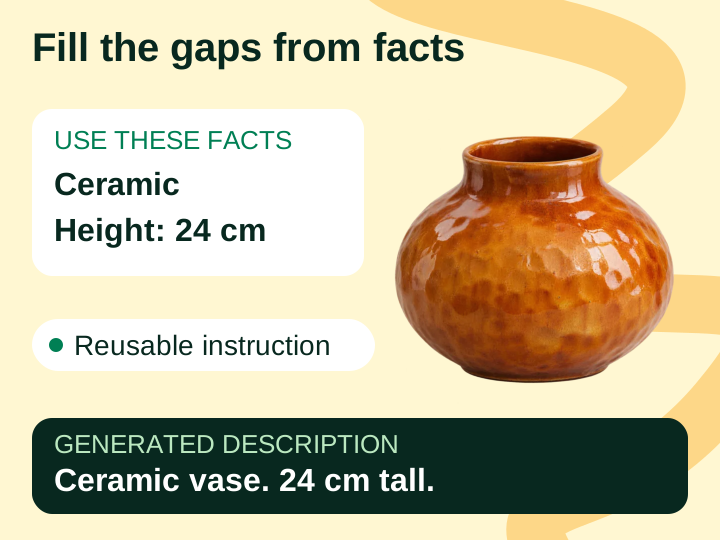 Explore batch enrichment
Create channel-specific content from your catalog and export it for submission.
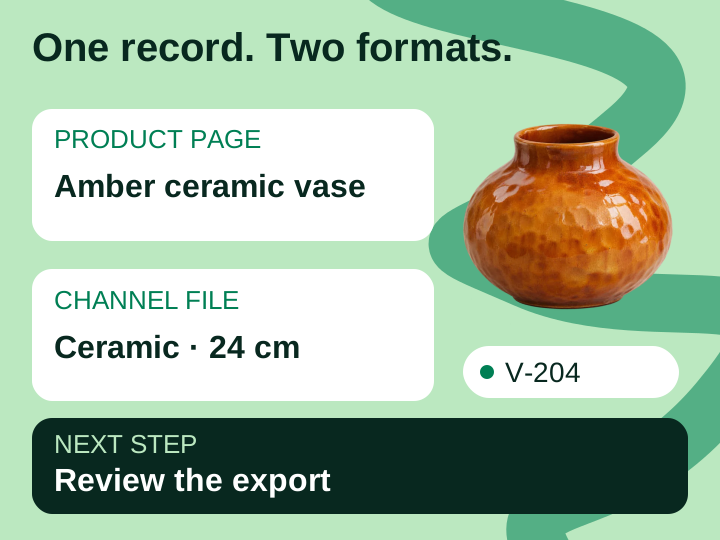 Create channel content
How your team uses it
Take new products from supplier file to listing.
A first batch makes the details manageable: one supplier, a defined set of products, and one destination.
Map the incoming records
Preview the supplier file and map its columns. Check how identifiers, variants, and measurements appear before bringing the products into the catalog.
Review the import stepsFill gaps and review the products
Add specification sheets and product pages. Generate the fields you need, check the important facts against their sources, and follow up on unresolved details.
Review enriched contentPrepare and check the destination
Generate the channel content, review the export, and submit through your agreed file or configured connection. Check the resulting listing before marking the launch complete.
See the export workflow
Before and after
Give each team a clear next step in the launch.
Compare the work when it is spread across files and manual handoffs with the workflow your team can build in Merchkit.
On a small screen, scroll across to compare the workflow.
| Team | Files and manual handoffs | With Merchkit |
|---|---|---|
| Supplier & product teams | Send the master file, then answer specification questions in separate email threads. | Attach supporting sources to catalog records so the team can review product facts together. |
| Merchandising & Ecommerce | Reconcile spreadsheet versions before starting descriptions and channel files. | Review enriched records and generate channel content from the same catalog. |
| Operations & IT | Explain field mappings and manually assemble a new handoff for each launch. | Configure catalog and channel fields, review the import mappings, and reuse enrichment instructions. |
Let’s work through your next supplier launch.
Bring a representative file and the destination you want to sell on. Include a product that usually takes extra work.
See SKU onboarding in actionBook a demo with the Merchkit team. No account signup required.
Find the work holding up the launch
Separate file mapping, missing specifications, content preparation, and review.
Follow a product through Merchkit
See how import, supporting sources, enrichment, and channel output fit together.
Choose a first product batch
Discuss the products, destination, and review criteria for a scoped pilot.