AI product data enrichment
Give buyers the product details they came for.
For product data and ecommerce teams
Turn supplier descriptions, documents, and images into useful product attributes. Merchkit helps you fill gaps, standardize values, and review the details your shoppers need to choose.
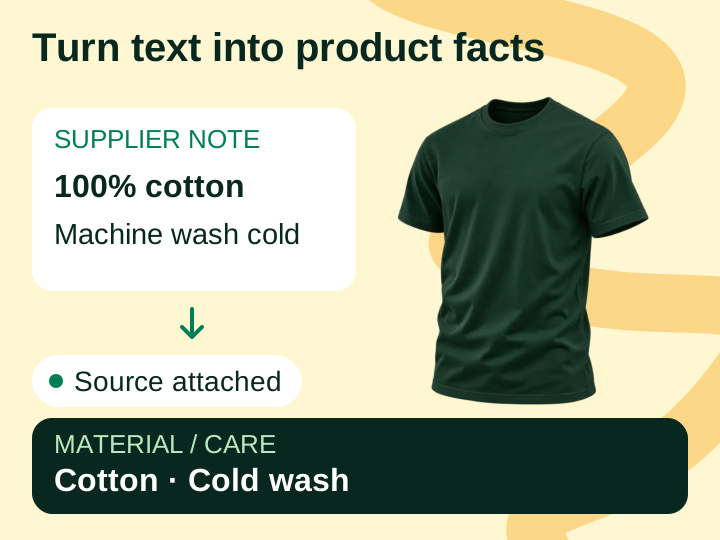
The product is ready. Its details are still scattered.
Product & Supply Chain
The specifications are in another file.
A supplier sends product descriptions, specification sheets, and images separately. Your team has to connect them to the right product and variant.
Marketing & Ecommerce
Every listing starts with the same questions.
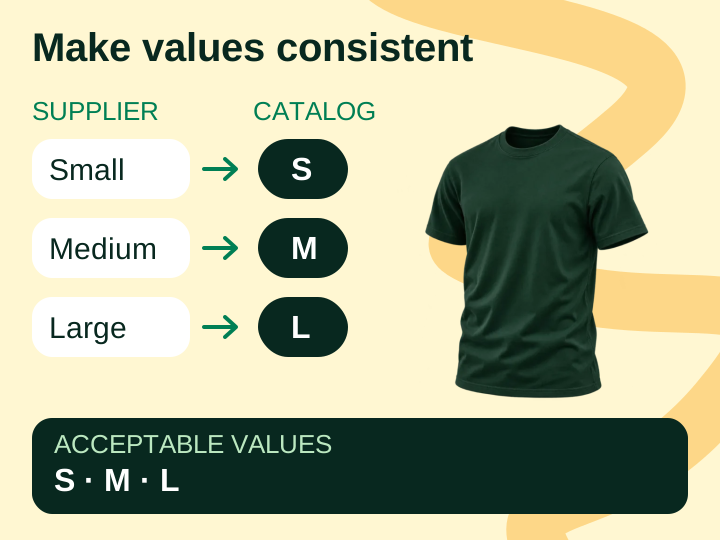
What is it made of? Are the measurements consistent across suppliers? Content teams chase answers before they can build useful filters and descriptions.
For the shopper
Buyers need the details behind the photo.
Someone comparing products needs clear specifications, intended uses, and instructions. A missing detail leaves them guessing about a purchase.
What you can do with Merchkit
Extract the details. Set the standards. Review the result.
Merchkit puts AI attribute creation inside your catalog, with control over the sources, instructions, and products you use.
Turn supplier descriptions and documents into the specifications your buyers need.
Explore product sources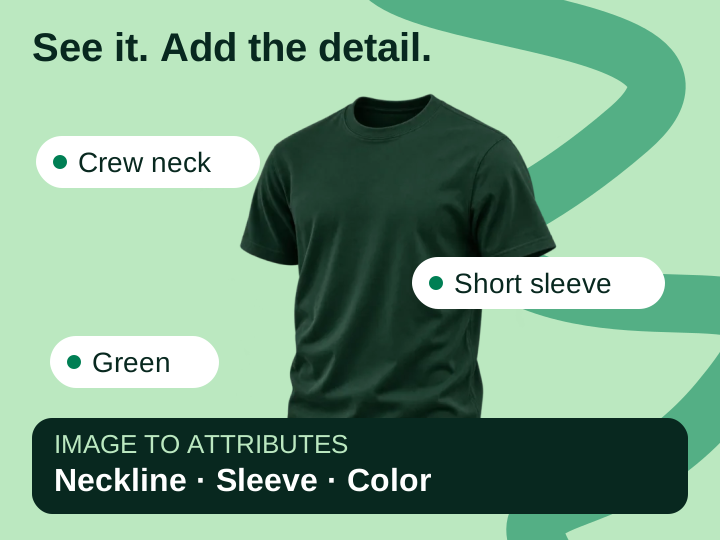
Generate attributes for selected products, check their sources, and edit the results in your catalog.
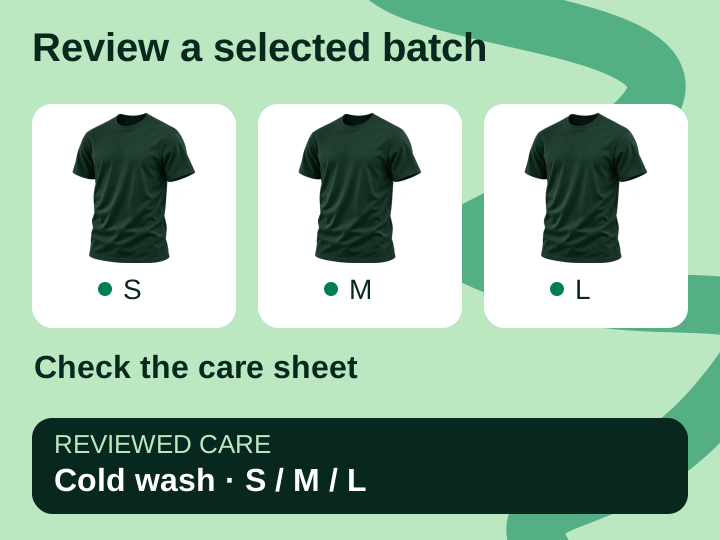 See how review works
How your team uses it
What enriching product data looks like.
Start with a few representative products from your catalog. You can see where the instructions work and where a supplier needs to provide more detail.
Bring in the products and their sources
Import the products, check their identifiers and variants, and attach supplier descriptions and specification sheets. Keep variant-specific details with the right record.
Import your catalogGenerate and check the attributes
Configure the attributes your buyers need, then run enrichment on the selected products. Check the source behind an answer and correct the instructions when a pattern needs attention.
Run your first enrichmentUse the reviewed details in channel content
Generate channel descriptions and fields from the catalog, then review and export them. Check the destination’s requirements before submitting the file.
Prepare the channel handoff
Before and after
Less re-keying. A clearer source for each answer.
Compare the work when it is spread across files and manual handoffs with the workflow your team can build in Merchkit.
On a small screen, scroll across to compare the workflow.
| Team | Files and manual handoffs | With Merchkit |
|---|---|---|
| Product & Supply Chain | Find the same specification sheet again whenever someone asks about a product detail. | Attach the specification sheet to the product so enrichment and review use the same source. |
| Marketing & Ecommerce | Translate inconsistent supplier terms while writing each listing. | Reuse configured attributes and reviewed values in descriptions and channel fields. |
| Catalog operations | Copy corrections between spreadsheets and repeat the same instructions for each batch. | Edit catalog values and refine shared attribute instructions before the next batch. |
Bring the attribute your team keeps chasing.
Let’s look at the source, the product record, and the listing you want to create. We’ll show where Merchkit fits into that work.
See enrichment in actionBook a demo with the Merchkit team. No account signup required.
Start with a real product
Choose a product or variant with a recurring gap in its specifications.
Work through the enrichment
Look at source selection, attribute instructions, and how your team reviews the result.
Plan a useful first batch
Choose a category and output route, then agree what your team needs to see before expanding.