Managing product data and product catalogs is one of the most tedious workloads in ecommerce. The mechanics to get anything done far outweigh the . A vendor sends a spreadsheet in their own format, and someone re-keys it. You want to chase a new kind of buyer, and someone works out by hand what data those products are missing. A feed gets rejected, and someone reads error codes to find the single field that was wrong. The work that decides whether your products get found and bought is mostly clicking, copying, and checking.
We have spent the year building Merchkit so that work does not land on a person. Today we are shipping the piece that ties it together: Agent Chat.
What Agent Chat is
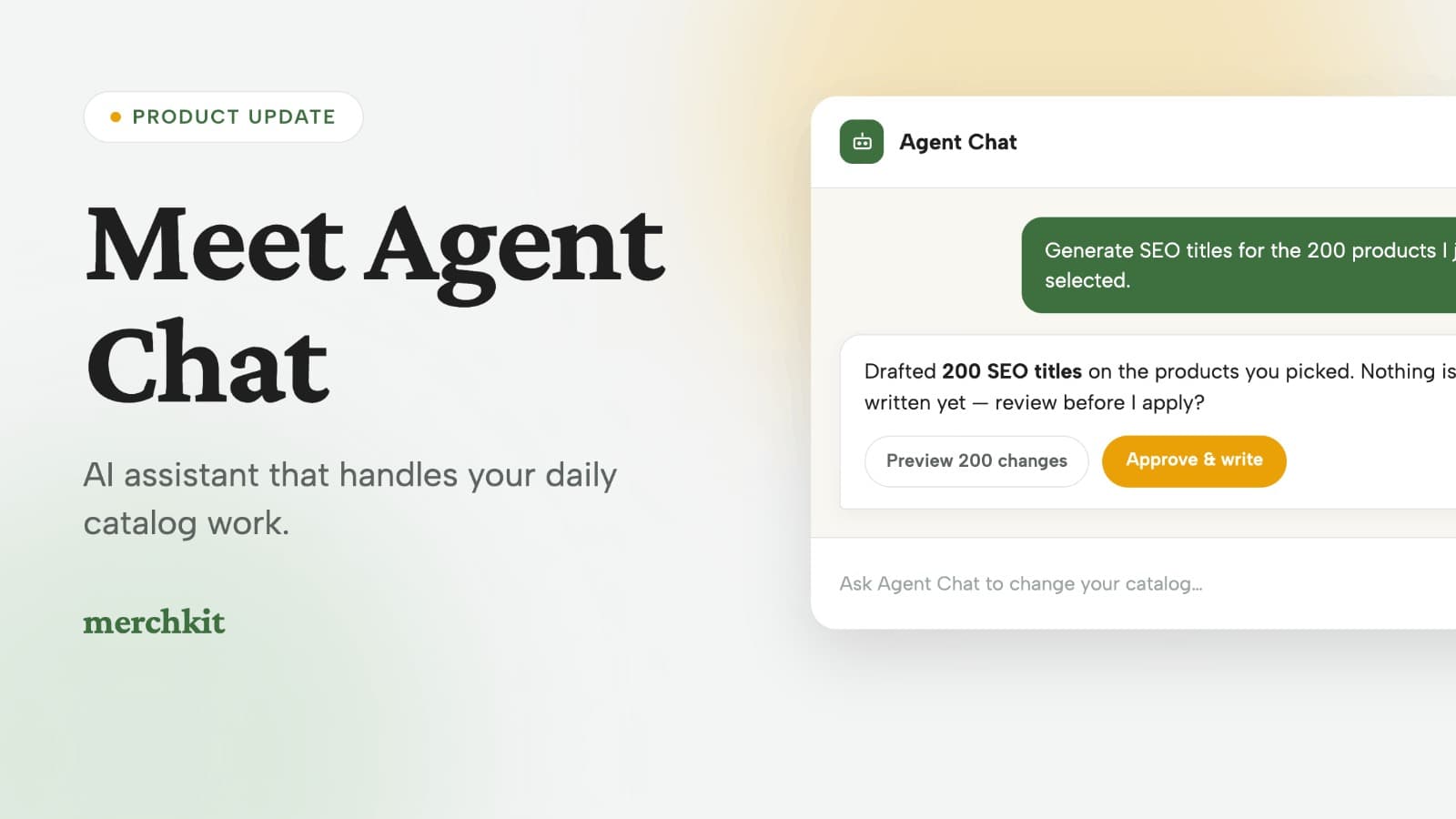
Agent Chat is an AI agent that lives next to your catalog. You tell it what you want in plain language, and it does the work: answering questions, building attributes, creating and editing products, and running bulk changes across thousands of SKUs. You control the context it works in, whether that is a few products, a category, or a whole channel, and it asks for your approval before it writes anything.
Most catalog tools are a place to store data. You type it in, they show it back. Agent Chat is built around the work itself: the finding, fixing, and structuring that usually lives in a senior person's head and a stack of spreadsheets.
What is an AI catalog agent?
An AI catalog agent reads your product data and your channel requirements, then carries out catalog tasks on request: enriching attributes, classifying products, fixing what a channel would reject. Unlike a chatbot bolted onto a dashboard, it can make the changes for you, with your sign-off.
A few things people asked it to do
The fastest way to understand Agent Chat is to see what people typed into it in the first week.
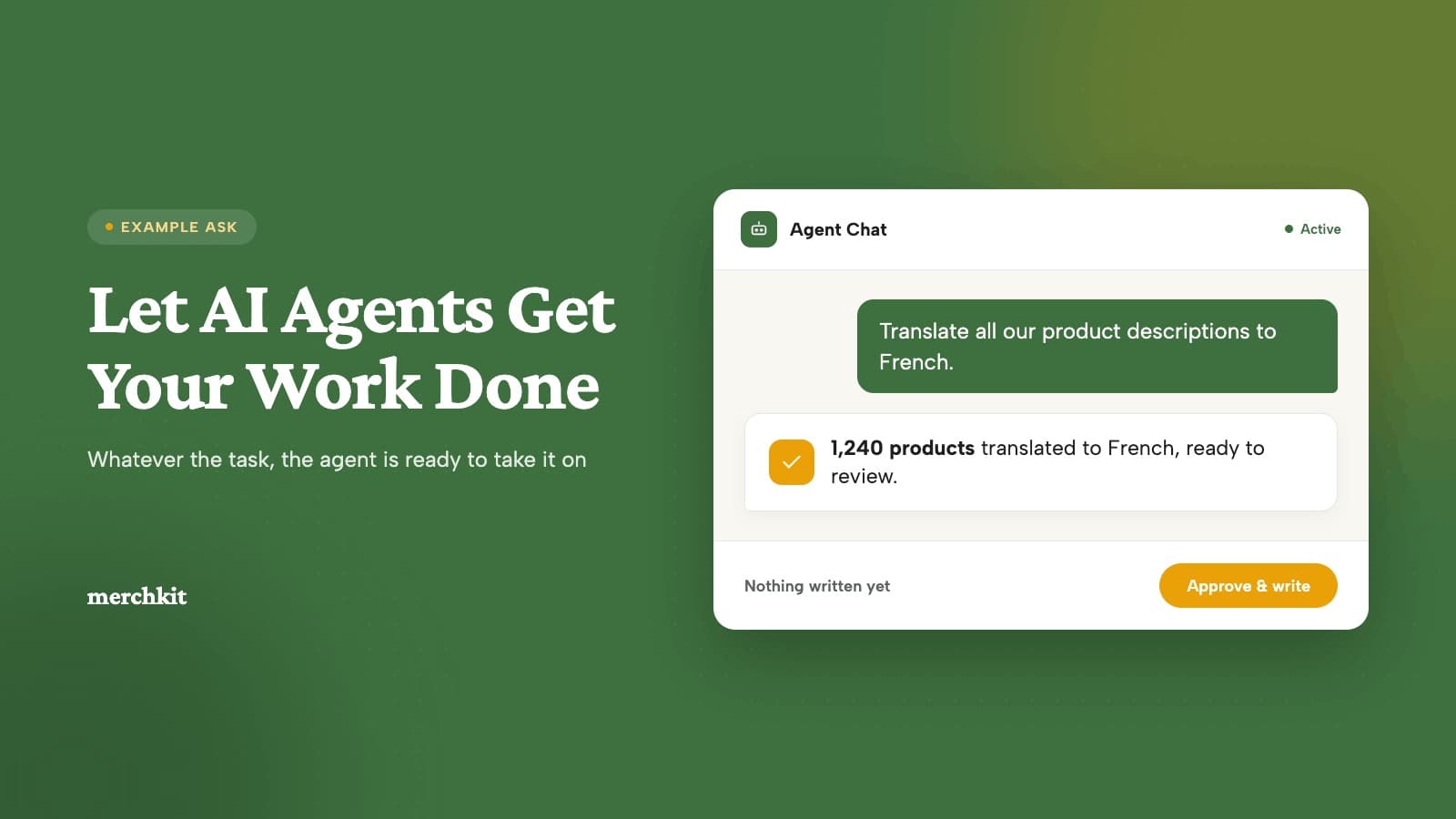
- "Translate all our product descriptions and feature bullets into French." It localizes the set you point it at in one pass, instead of exporting, sending copy out for translation, and re-importing.
- "Create a view of every product missing a main image, so the content team can work through them in one place." It organizes the work into a saved view your team can pick up.
- "Generate SEO titles for the 200 products I just selected." Done in one pass, only on the products you chose.
What it is for
"What attributes should I have?"
Say you want to start selling to maintenance and procurement buyers on Amazon Business, and your category is hex bolts. You are not sure your listings carry what those buyers search and filter on. Ask Agent Chat exactly that: "For hex bolts, what attributes do procurement buyers on Amazon Business expect, like thread size, grade, material, finish, and standards, and which of my products are missing them?" It compares what that audience and channel expect against your catalog and hands back the gaps, so you get a straight answer to "what am I missing" without building a checklist in a spreadsheet first.
"What should I fix first?"
Not every product needs the same fields, and you cannot fix all of them at once. Tell the agent what "complete" means for a category and why: "For area rugs, score completeness on the attributes Wayfair requires plus material and care instructions." It scores the category on your definition and sorts your products by the biggest gaps, so your time goes to the products that are actually costing you sales, not the ones that are already fine.
Clear the vendor-onboarding backlog
A vendor drop arrives in its own messy format. Point Agent Chat at the new SKUs and it enriches and structures them in bulk, so onboarding a catalog is not capped at what one person can key in by hand each week.
You stay in control
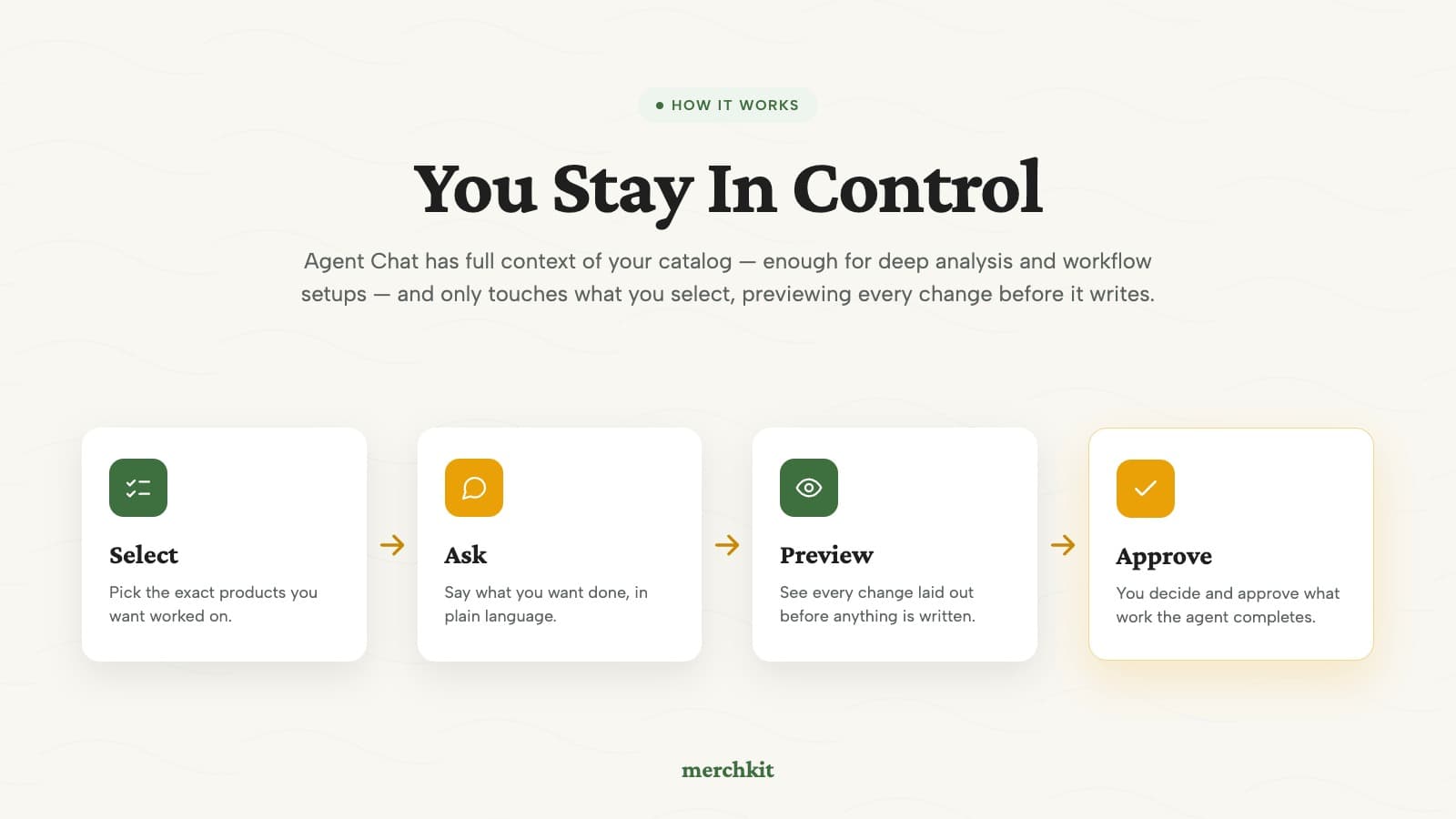
You set the context Agent Chat works in, from a few products to an entire category, and it stays inside that scope. Every change is previewed for your approval before it is written, and you can see exactly what it did. The agent does the work; you decide what ships.
Run Merchkit from the AI tools you already use
Agent Chat is one way in. Launching alongside it: the Merchkit API and an MCP server, together. Connect Claude, Copilot, or any MCP-capable agent, and it can read and write your catalog directly, with the same rules and the same approve-before-write step you get inside Merchkit. Whether the agent runs in our app or in the tools your team already lives in, people set the rules and the goals, and the agents do the operating. Grab an API key in your workspace, or reach out and we will help you wire it into your stack.
Try it
Agent Chat is live today for every Merchkit customer. To celebrate the launch, we have added 5,000 free agent credits to every workspace to use across July and August. Log in and point it at the corner of your catalog you have been avoiding.
Not on Merchkit yet? We will run the agent on your own catalog on a call, so you can watch it work before you commit. Book a live look.