Before a brand or retailer connects its catalog to Amazon Shop Direct, choose a small set of offers and check that each one describes what a shopper can actually buy on your website. A dining chair with the wrong finish, an old price, or a link to a different variant gives your team a correction problem before you can learn whether the channel brings useful demand.
Key takeaways
Confirm your registration route and content rights before selecting the pilot assortment.
Compare the supplier record, outgoing feed, and live product page. Correct conflicting information wherever it appears.
Test listing updates and measurement with a small assortment before deciding whether to expand.
Amazon launched the Shop Direct Merchant Workspace on November 4, 2026. Shop Direct itself predates that launch. The workspace lets eligible merchants share catalogs and see which products are active; appearing in relevant searches remains Amazon's decision. Amazon's launch announcement
Confirm eligibility and the right registration route
You must own an ecommerce website selling in USD and shipping to the United States; the signup screen specifies physical products. Check the current requirements rather than treating website ownership as automatic approval. Eligibility FAQ · Shop Direct registration
Existing Amazon sellers need a separate check. Self-service merchant account creation is not yet available to them, according to Amazon's help page. Amazon's announcement says existing sellers may qualify for selection they do not already sell in Amazon's store and directs them to shopdirect@amazon.com. Confirm that route before assigning integration work. Existing-seller guidance
Review supplier permissions, too. The Merchant Terms, updated October 30, 2026, grant Amazon a perpetual, irrevocable, worldwide, non-exclusive, royalty-free license to use, reproduce, and create derivative works of submitted Merchant Catalog Data. Check your rights to descriptions and imagery against that grant. Review the license separately from opt-out controls, with counsel where needed.
Choose offers your team can inspect individually
An offer is the specific item, variant, price, and availability a customer can buy. Start with a manageable sample, such as 20 dining-chair offers across two suppliers. That number is a planning example, not an Amazon requirement.
Include a few related finishes and a product with a different shipping requirement, such as a chair sold individually alongside a boxed pair. Hold back items whose source specifications, rights, or checkout behavior remain unresolved. Record the exact SKU and destination URL for every included offer, plus who owns its corrections.
Avoid changing the assortment halfway through the test without recording it. Otherwise, a result could reflect different products rather than better catalog content.
Resolve source, feed, and product-page conflicts
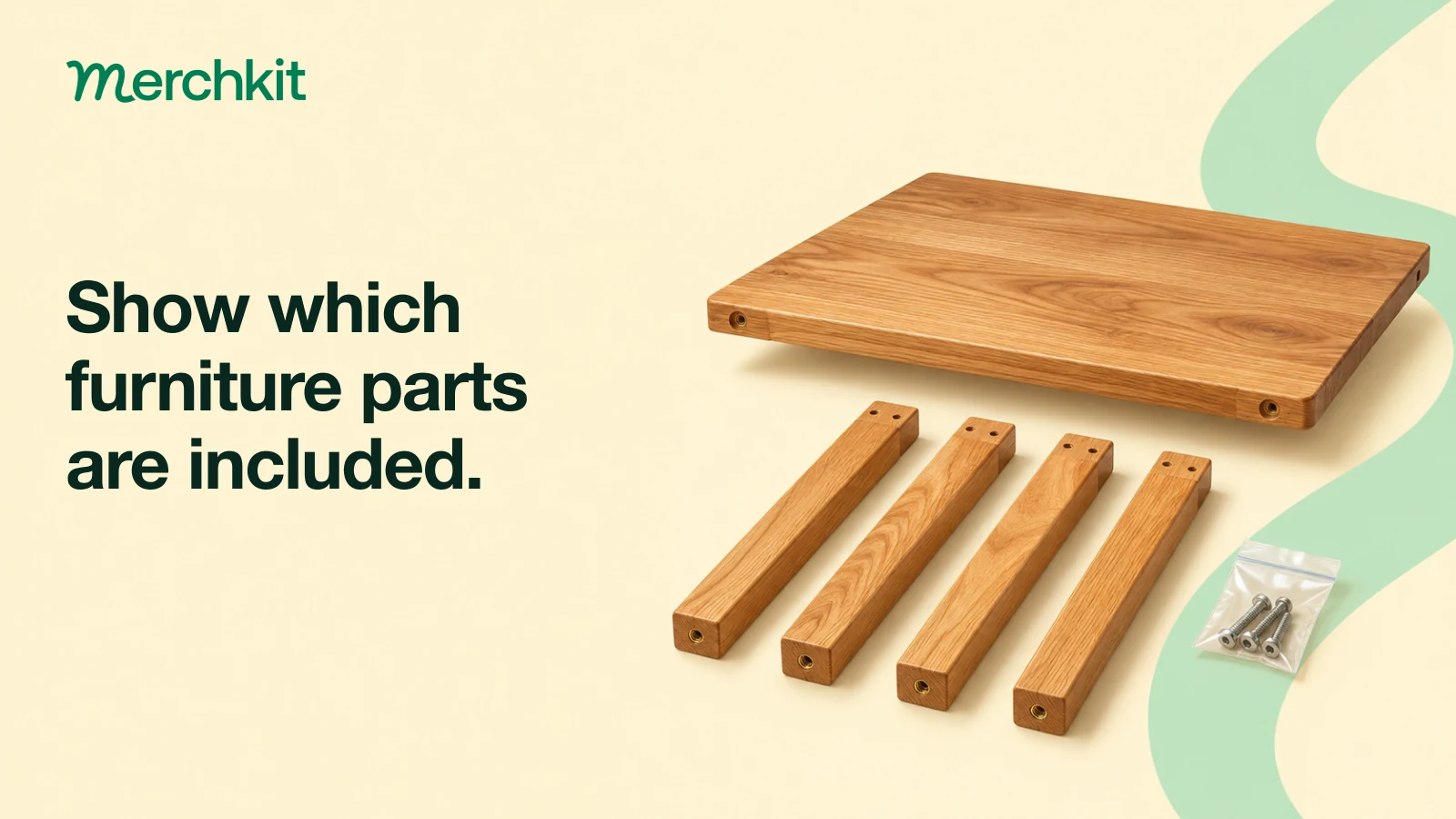
Suppose a natural-oak dining chair has a current supplier specification showing a 20-inch overall width. Your catalog says 22 inches because someone copied a carton measurement. The outgoing feed names the walnut finish, while its link opens the natural-oak page at an old promotional price.
A shopper could compare the wrong dimensions or reach a different offer than expected. Work through the discrepancies before submitting the chair:
Match the supplier specification to the exact SKU. Verify that 20 inches describes the chair, not its packaging.
Correct the approved product record and page. Check the finish name and image together.
Rebuild the outgoing offer from the approved record. Check its price and availability against the live page and checkout, including any delivery restrictions for the buyer's ZIP code.
Open the destination URL without a saved session. Confirm that it selects the intended finish and does not depend on a previous visitor's choices.
Use a comparison sheet with columns for source evidence, approved value, outgoing value, live page value, and correction owner. Keep useful facts on the product page even when the integration does not accept a corresponding feed field. Include these checks in your product catalog automation workflow so the next supplier update gets the same review.
Amazon can use merchant-supplied information or public website information. Its terms also permit checking and correcting listing price and availability. Do not assume a feed will override a conflicting page. Shop Direct FAQ · Merchant Terms
Verify the integration rather than copying a Google feed unchanged
Amazon's documented SP-API route uses GOOGLE_PRODUCT_DATA_FEED with XML content types. Supported groups cover basic product data, price and availability, category, identifiers, and detailed product descriptions. Other groups, including shipping and returns, are unsupported; optional attributes are not guaranteed to be processed or displayed. Check the current specification with your integration provider. Amazon's feed preparation instructions
For related chair finishes, confirm that grouping uses a supported variation attribute. Amazon supports attributes including color, size, and material with a shared item_group_id. An unsupported distinction should not be forced into an unrelated field to create a family. Variation guidance
Ask the provider to demonstrate an update on one pilot listing. Updates replace that listing's product data, so the submission must include all required attributes, not just the changed price. Update documentation
Choose either an authorized solution provider or your own approved SP-API application, and name the person responsible for failed submissions. Integration routes
Decide what would justify expanding the assortment
Keep technical acceptance separate from business results. Review processing errors, confirm active products in the workspace, and inspect the offer a shopper reaches. A successfully submitted record alone does not establish that the customer experience is correct. Processing-report guidance
Before the pilot, record the selected products' existing traffic and orders. During it, track identifiable referrals and attributed orders where your analytics supports them, along with cancellations, returns, and correction work. Record attribution gaps rather than counting every order as Shop Direct revenue. Confirm how, if at all, your reporting distinguishes direct visits from Buy for Me orders. Set your evaluation period around expected order volume and your normal return cycle.
Expand when the team can maintain accurate offers and has enough evidence to judge the channel's commercial value. If traffic is too sparse, record an inconclusive test. Amazon explicitly provides no guarantee of discoverability, traffic, sales, or revenue. Shop Direct participation information
Frequently asked questions
Is Shop Direct the same as selling on Amazon Marketplace?
No. Purchases are completed on the merchant's site, either by the customer or, for eligible products, through Buy for Me. The merchant manages fulfillment and customer service. How Shop Direct works
Does free participation mean the integration is free?
No. Amazon charges no participation fee or Buy for Me referral fee. Solution providers set their own prices, and an in-house integration needs development and maintenance work. Amazon's FAQ · Provider guidance
Can I reuse my Google Merchant Center feed?
Use it as an input to review, not proof of compatibility. Amazon accepts a defined subset of Google product-feed attributes. Do not assume optional conversational attributes or other Google-specific fields will carry over. Feed requirements
Who controls pricing, inventory, and returns?
The merchant continues managing them through its existing processes. Include shipping costs and return conditions in the website review, even where those feed attribute groups are unsupported. Merchant responsibilities
Can I disconnect an app or leave the program?
The workspace supports disabling provider authorization. Stopping product display is a separate participation question: follow workspace instructions or contact Amazon. Confirm both procedures before the pilot. App controls · Termination terms
What should I check before resubmitting a price change?
Check the live offer and include the listing's full required record in the update. Then inspect the processing report. Sending only a price can leave the listing incomplete or invalid. Listing updates
How this gets done in Merchkit
Bring the pilot assortment to a Merchkit demo and check which preparation steps you can reuse as supplier records change:
Reduce repeated source checking. Bring the selected supplier files and product URLs, then test how much extraction and comparison the workflow can remove.
Reuse the cleanup instructions. Review how fields are standardized and enriched on those offers, while uncertain specifications remain subject to your team's approval.
Prepare the agreed output once. Evaluate channel-specific content and field mapping against the current Shop Direct requirements. Confirm the supported export and integration handoff before committing to a delivery route.
Keep corrections under review. Walk through one change, establish who approves the content, and confirm how the next approved record reaches the chosen integration.
Book a demo using your pilot assortment to assess the preparation workflow and verify the required integration.